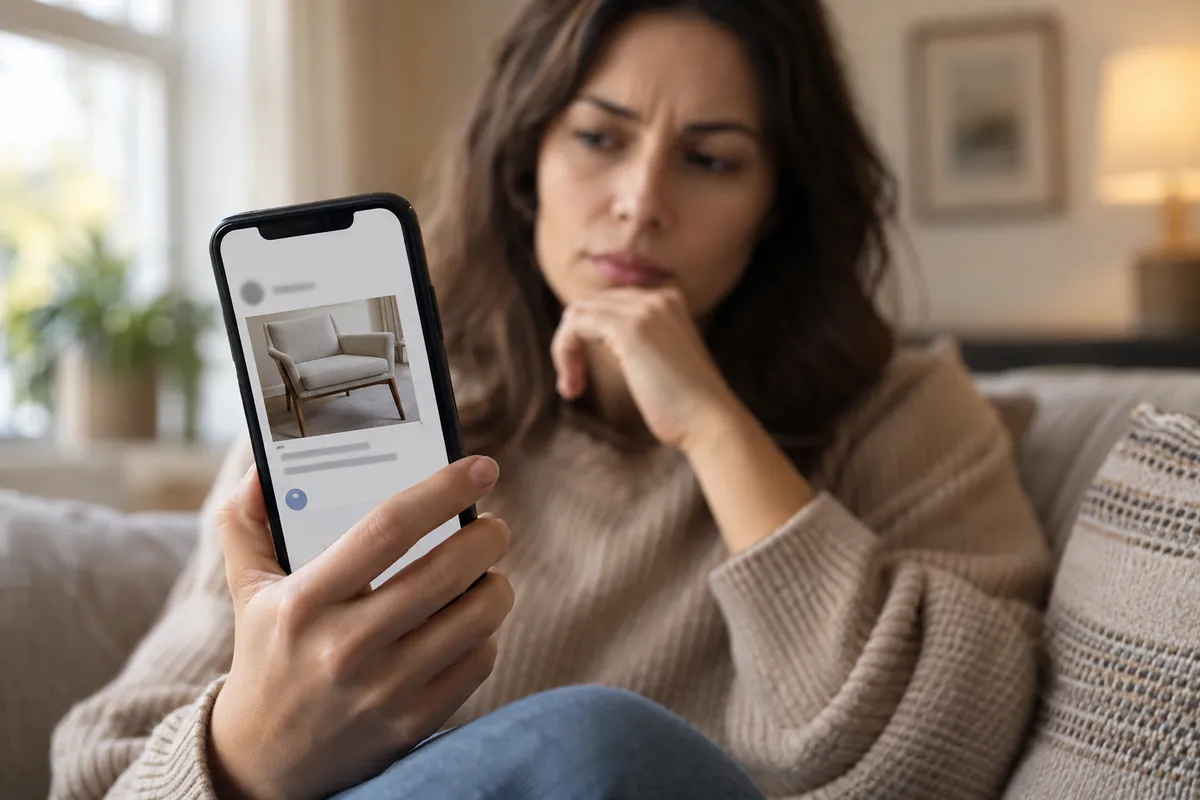
A text lands on your phone with a screenshot of a Facebook Marketplace listing. The seller's name is yours. Your actual name. Naturally, you want to type back "that's not me!"
That reaction is exactly what the sender is counting on. Per a Fox News report, citing a warning from Malwarebytes, fraudsters are sending fake Marketplace screenshots that show the recipient's real name as the seller, specifically to provoke a response. Malwarebytes warns that even one reply helps the scammer.
The Plot Twist: The Listing Is the Bait
Think of it as a very small, very cheap piece of theater. The screenshot isn't evidence of anything. It's a prop. Per the report, the goal is simply to get you to engage, because a reply can confirm your number is active and make you a bigger target.
That's the quiet genius, and the quiet nastiness, of the setup. The scammer doesn't need you to click a suspicious link or hand over a password in the first message. They only need you to be human and a little alarmed. Seeing your own name attached to something you didn't post is a perfectly natural thing to push back on.
Why Your Name Isn't Proof of Anything
Here's the part worth tattooing on your brain: a personalized text is not proof that someone knows you. The report points to a few reasons these scams are easier to scale than ever: breached data, public profiles, and automation or AI. Your name is likely sitting in several places a scammer can reach.
It's hard not to see the parallel with a classic pop-culture trick. Psychics and "cold readers" have long made strangers feel seen with a few well-placed details. A name in a screenshot works on the same instinct: it feels specific, so it feels credible. But specific isn't the same as real.
As Marketplace, iMessage, and SMS scams get more polished, the old test of "does this look legit?" is wearing thin. A convincing screenshot costs the sender almost nothing to produce.
What to Do Instead
The advice from the report boils down to one idea: don't engage, verify. In practice:
- Don't reply. Not to correct them, not to say "wrong number," not even to type STOP at a sender you don't recognize.
- Check through the app. If you're worried someone is impersonating you, open Facebook itself rather than trusting a screenshot sent by a stranger.
- Report and block. Flag the message and cut off the sender.
- Filter unknown senders. The report also points to iPhone settings that help screen out scam messages from people you don't know.
The Takeaway
We've spent years learning to spot the clumsy scam: the typo-riddled prince, the bad grammar, the weirdly formal "Dear Customer." This one is different because it flatters your ego and your alarm bells at the same time. The smartest move is also the least satisfying one: leave the message on read, and let your own name be the red flag.